Portable photo printers have become something of a must-have accessory for anyone who wants to turn digital snaps into tangible keepsakes without lugging around a bulky machine, and the Polaroid Zip sits firmly at the centre of that trend. This review takes a close look at how the device performs day to day, how well it plays with Android handsets, and whether the asking price on Amazon represents good value for money.
Key takeaways
- The Polaroid Zip utilizes ZINK Zero Ink technology, which embeds color crystals into special paper to eliminate the need for messy ink cartridges.
- Its compact, lightweight design makes the device highly portable and ideal for printing photos spontaneously at events or on trips.
- The companion mobile app offers a variety of editing tools, filters, and borders, and it maintains a strong 4.7-star rating despite some minor reported bugs.
- Connection to Android devices is facilitated through Bluetooth and NFC, providing a generally stable and user-friendly experience.
- Although print quality is not professional-grade, it offers vibrant colors and smudge-resistant prints suitable for scrapbooking and casual keepsakes.
- Amazon remains a reliable source for purchasing the printer, often offering competitive pricing and various bundle deals that include additional ZINK paper.
Understanding the Polaroid Zip Mobile Printer and Its ZINK Technology
At the heart of the Polaroid Zip is a clever bit of engineering known as ZINK, or Zero Ink, technology. Rather than relying on messy cartridges or ribbons, the printer uses specially coated paper that reacts to heat, producing full-colour images without a single drop of ink involved. This not only keeps running costs down but also means there's no waiting around for cartridges to arrive or worrying about them drying out between uses.
What makes zink zero ink printing revolutionary for portable photography
The absence of ink cartridges is a genuine game-changer for anyone who prints on the move. Because the colour crystals are already embedded in the paper itself, the whole mechanism inside the Zip can be made smaller and lighter, which suits people who want spontaneous prints at parties, on holiday, or during days out. The prints that emerge are smudge-resistant almost immediately, and there's a peel-off sticky backing on the paper, which adds a nice bit of versatility for scrapbooking or sticking photos onto notebooks and walls.
Compact Design and Portability Features of the Polaroid Zip Printer
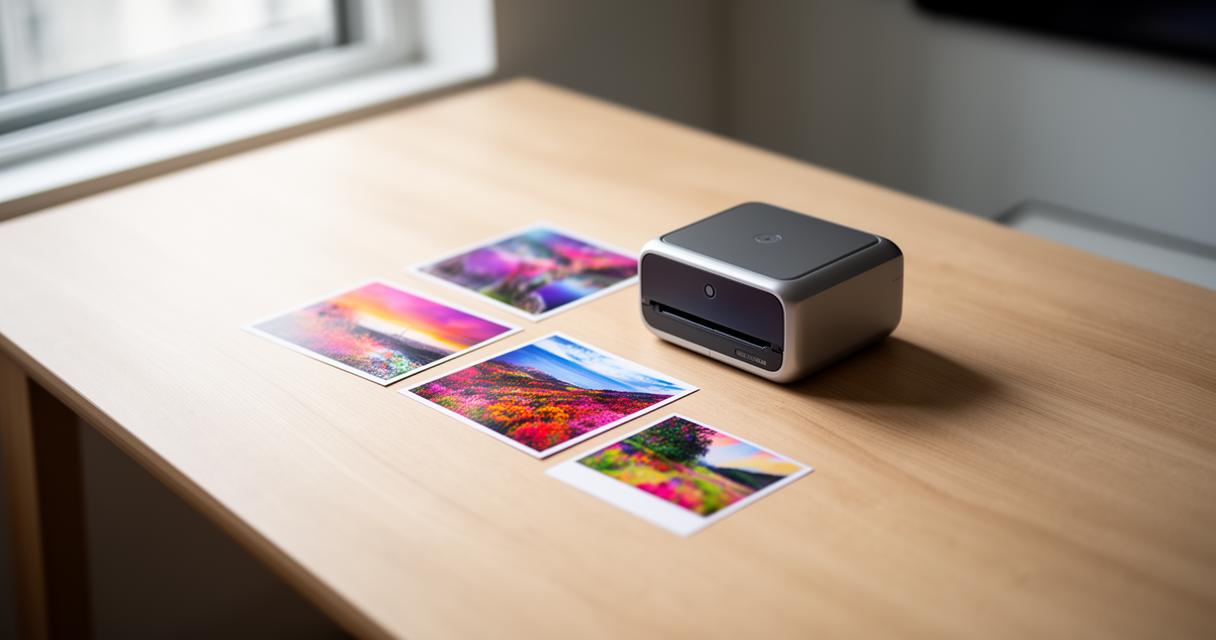
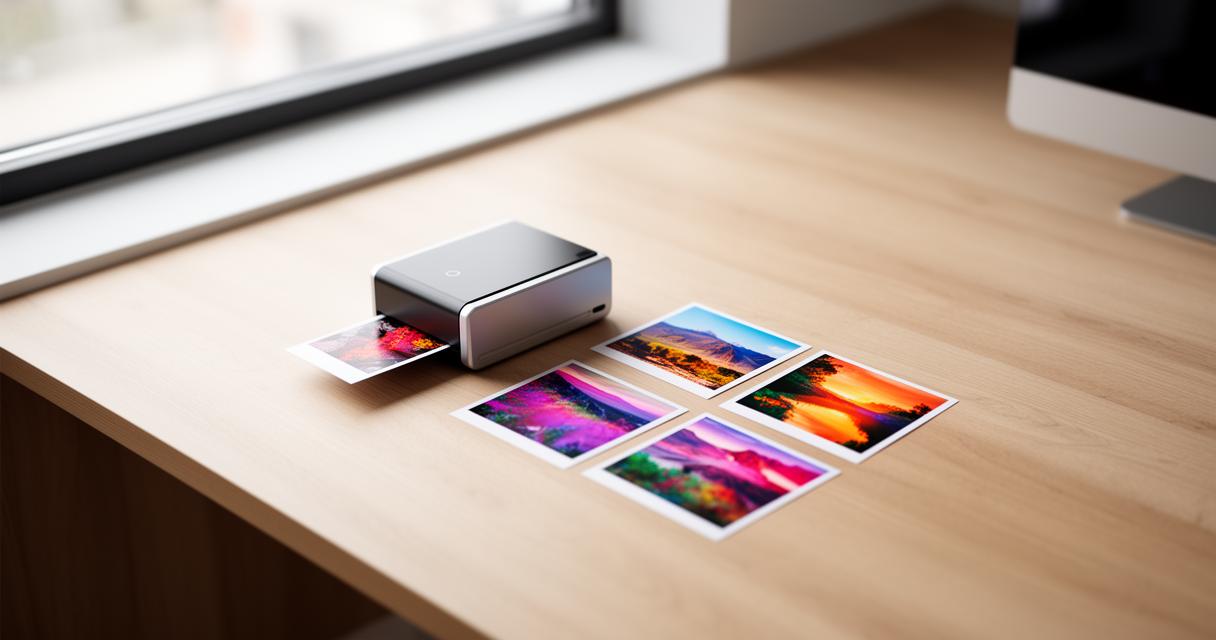
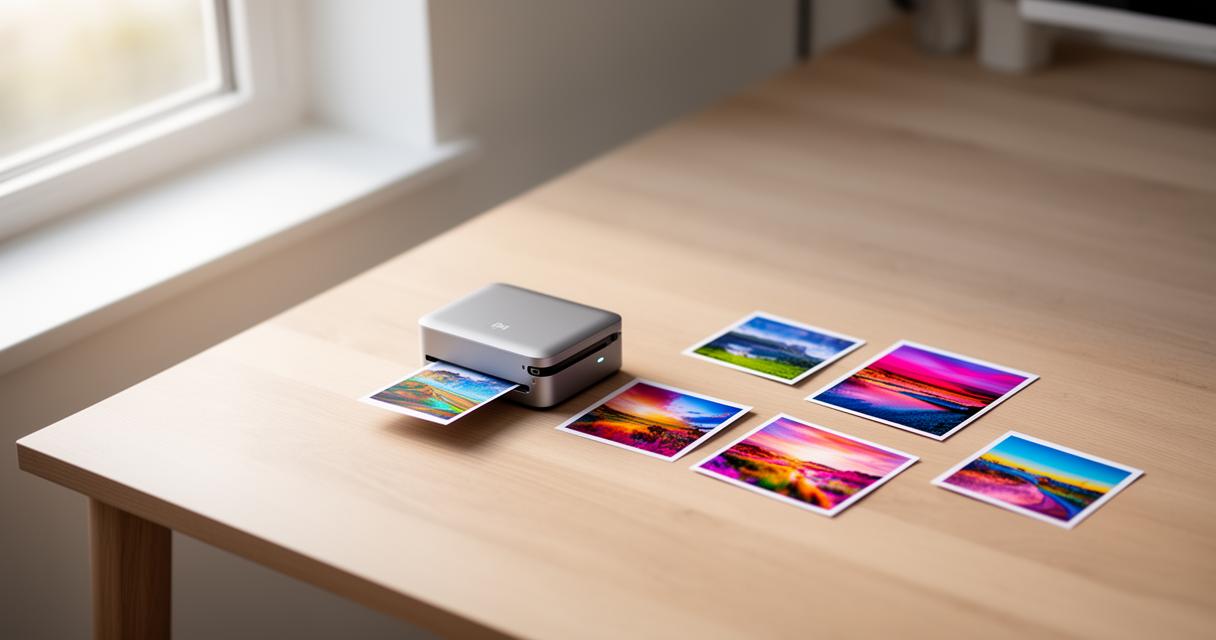
Physically, the Zip is barely bigger than a smartphone, slipping easily into a coat pocket or handbag. The rounded edges and lightweight plastic shell give it a friendly, approachable feel rather than something overly technical, and the rechargeable battery means you're not tethered to a wall socket every time you fancy printing a memory. It's the sort of gadget that feels equally at home in a rucksack on a weekend trip as it does sitting on a desk at home.
Android App Compatibility and Connectivity Options for Seamless Mobile Printing
Getting the printer talking to a phone is where a lot of these gadgets either shine or fall flat, and thankfully the Zip manages the former reasonably well when paired with Android devices, even though much of its polish tends to be discussed in relation to iPhone and iPad users. The companion mobile app bridges the gap between your camera roll and the printer itself, and it does so with a reasonably intuitive layout.
Setting Up Bluetooth and NFC Connections with Your Android Device
Pairing is straightforward enough: switch on the printer, open the app, and either tap your phone against the device if NFC is supported or select it manually via Bluetooth. Once connected, the link tends to remain stable, though as with most Bluetooth accessories, walking too far from the printer or leaving it idle for a while may require a quick reconnection. It's not a flawless process every single time, but for the vast majority of users it works without much fuss.
Navigating the Polaroid Zip Mobile Application Interface and Features
The app itself, listed under an entertainment category, has picked up a rating of 4.7 out of 5 from more than thirty-three thousand reviews, which speaks to a generally positive reception among its user base. Inside, you'll find tools for photo editing, a healthy selection of filters and borders, plus the option to build a collage from multiple images before sending it to print. Social media integration allows photos to be pulled directly from linked accounts, and photo sharing back out to those same platforms is just as simple. There are also seasonal additions of new stickers and frames that keep the creative options feeling fresh rather than static.
That said, the app isn't without its blemishes. Some users have reported pixelation when attempting portrait printing, and the ability to reposition a photo within the print preview screen has apparently gone missing in certain updates, which is a minor but noticeable annoyance. The collage tool has also been known to cause occasional app crashes, though the developer, C&A Marketing, Inc., has acknowledged these issues publicly and continues to roll out bug fixes alongside general improvements. On the privacy front, it's worth noting that the developer states no data is collected from the app, which will reassure those who are cautious about handing over personal information to third-party services. The app also supports a wide range of languages, with English joined by twenty-three others including Arabic, French and Spanish, making it genuinely multilingual for an international audience.
Evaluating print quality, pricing, and amazon purchase options
Ultimately, a printer lives or dies by the quality of what comes out the other end, and this is where the Polaroid Zip does a solid, if not flawless, job of proving its worth.
Assessing Photo Quality and Colour Accuracy in Polaroid Zip Prints
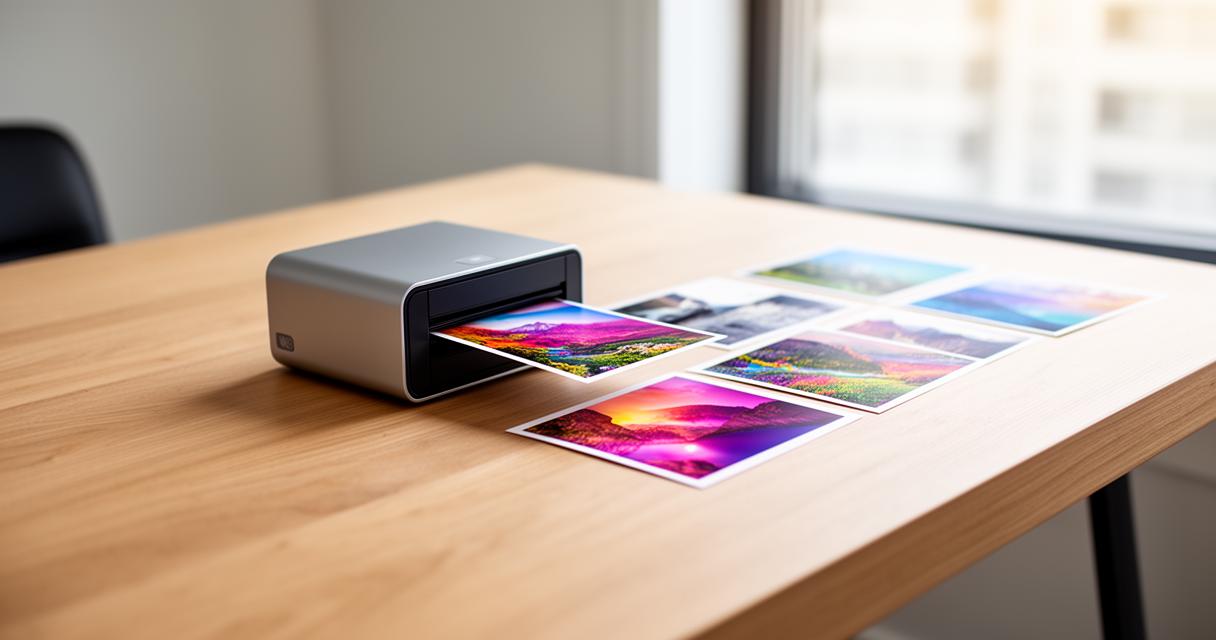
Colours tend to come through vibrant and reasonably true to life, particularly in well-lit photographs with strong contrast. Skin tones can occasionally skew a touch warm, and fine detail in darker areas of an image sometimes loses a bit of sharpness, but for casual snapshots destined for a scrapbook or fridge door, the results are more than acceptable. It's not going to replace a professional photo lab, but that's not really the point of a device this size and price.
Comparing Amazon Prices and Availability for the Best Value Purchase
When it comes to actually getting hold of one, Amazon remains one of the most reliable places to shop, with prices fluctuating depending on bundle deals that sometimes include extra ZINK paper packs. Shoppers browsing listings will often find the Zip priced competitively against similar instant printers, and keeping an eye out for seasonal discounts can shave a reasonable amount off the total cost. Given its blend of compatibility with modern smartphones, its cheerful design, and the sheer convenience of ink-free printing, the Polaroid Zip remains a strong contender for anyone wanting to turn digital memories into something they can actually hold in their hands.